Introduction
Dashboard is the entry point for TheoryCraft's Quantitative Research Laboratory.
Last updated: June 26, 2026
TheoryCraft is an AI research platform for traders and investors. Its purpose is simple: turn a market idea into evidence before you risk capital.
Most trading tools help you watch markets, draw charts, or automate execution. TheoryCraft is built for the step before that: proving whether an idea deserves your attention at all.
Why TheoryCraft Exists
Traders often start with a real observation: a recurring setup, a macro pattern, a price behavior around a session, or a portfolio rule that feels sensible. The problem is that intuition alone is not enough. A few screenshots, a lucky backtest, or a hand-picked date range can make weak ideas look convincing.
TheoryCraft exists to make research more honest:
- Start from a clear hypothesis.
- Test it on real historical data.
- Inspect the notebook and results.
- Check robustness before trusting the idea.
- Keep the final work as something you can read, export, and revisit.
The goal is not to replace judgment. The goal is to give your judgment better evidence.
The Vision
TheoryCraft applies the scientific method to trading strategy development. You describe a hypothesis in plain language, the platform helps turn it into a reproducible research notebook, and the result is validated with methods designed to expose fragile ideas.
The long-term vision is a research lab where:
- non-developers can ask serious quantitative questions;
- developers can inspect and own the generated work;
- every result is tied to a notebook, data, assumptions, and a decision;
- failed ideas are still useful because they explain what did not hold up;
- the open-source engine remains available for users who want to run or audit the foundation themselves.
TheoryCraft is research-first. It is not an AI trading bot, a signal service, or a charting replacement. It does not place trades for you. It helps you decide what is worth testing, what failed, and what might deserve more work.
What Makes It Different
| Difference | What it means for you |
|---|---|
| AI-native research | You can describe a strategy idea in plain English and use the assistant to build, change, and review the notebook. |
| Real notebooks | The work is visible, editable, and exportable. You are not locked into a hidden backtest result. |
| No black boxes | The assistant's output can be inspected. The platform is designed around reproducible work, not magic scores. |
| Research-only by design | TheoryCraft validates ideas; it does not sell signals or execute trades. |
| Data-first workflow | You can check instrument coverage before investing time into an idea. |
| External assistant access | You can connect tools such as Codex, Claude, Cursor, Windsurf, VS Code, or Gemini CLI when you prefer to work outside the app. |
How the Platform Is Organized
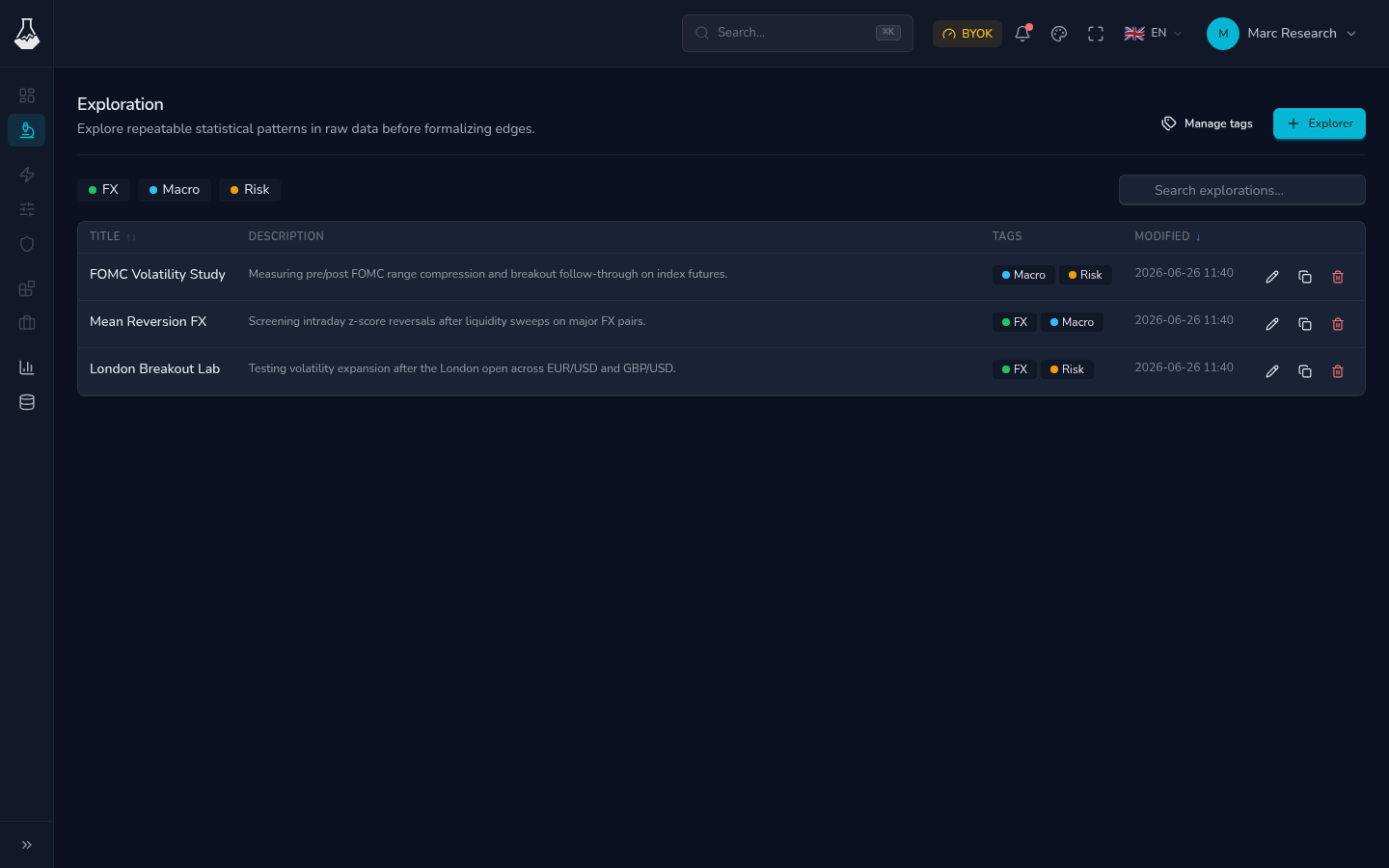
TheoryCraft revolves around explorations. An exploration is a focused workspace for one research question, strategy idea, or market study. Inside it, you can keep notebooks, files, outputs, and shares together.
The normal workflow is:
- Create an exploration for a specific question.
- Use notebooks to test the idea and record the reasoning.
- Use the AI assistant when you want help building, changing, or reviewing the work.
- Check data coverage and account setup when a workflow needs it.
- Share read-only snapshots only after the notebook has been reviewed.
What to Read Next
| If you want to... | Read this |
|---|---|
| Create and organize workspaces | Explorations |
| Run notebooks and manage packages | Notebook Environments |
| Use the in-app assistant | AI Assistant |
| Publish reviewed results | Share Explorations |
| Connect model providers | AI Provider Accounts |
| Inspect data coverage | Data Sources |
| Connect external assistants | MCP Clients and Skills |
| Understand usage and active sessions | Billing and Usage |
Platform Docs vs Technical Docs
Platform docs explain how to use TheoryCraft as a product: explorations, notebook sessions, account setup, providers, sharing, data coverage, usage, and assistant access.
Technical docs explain the open-source engine and technical concepts behind it. Use them when you want implementation-level context rather than product workflow guidance.